Gilisoft File Lock Pro

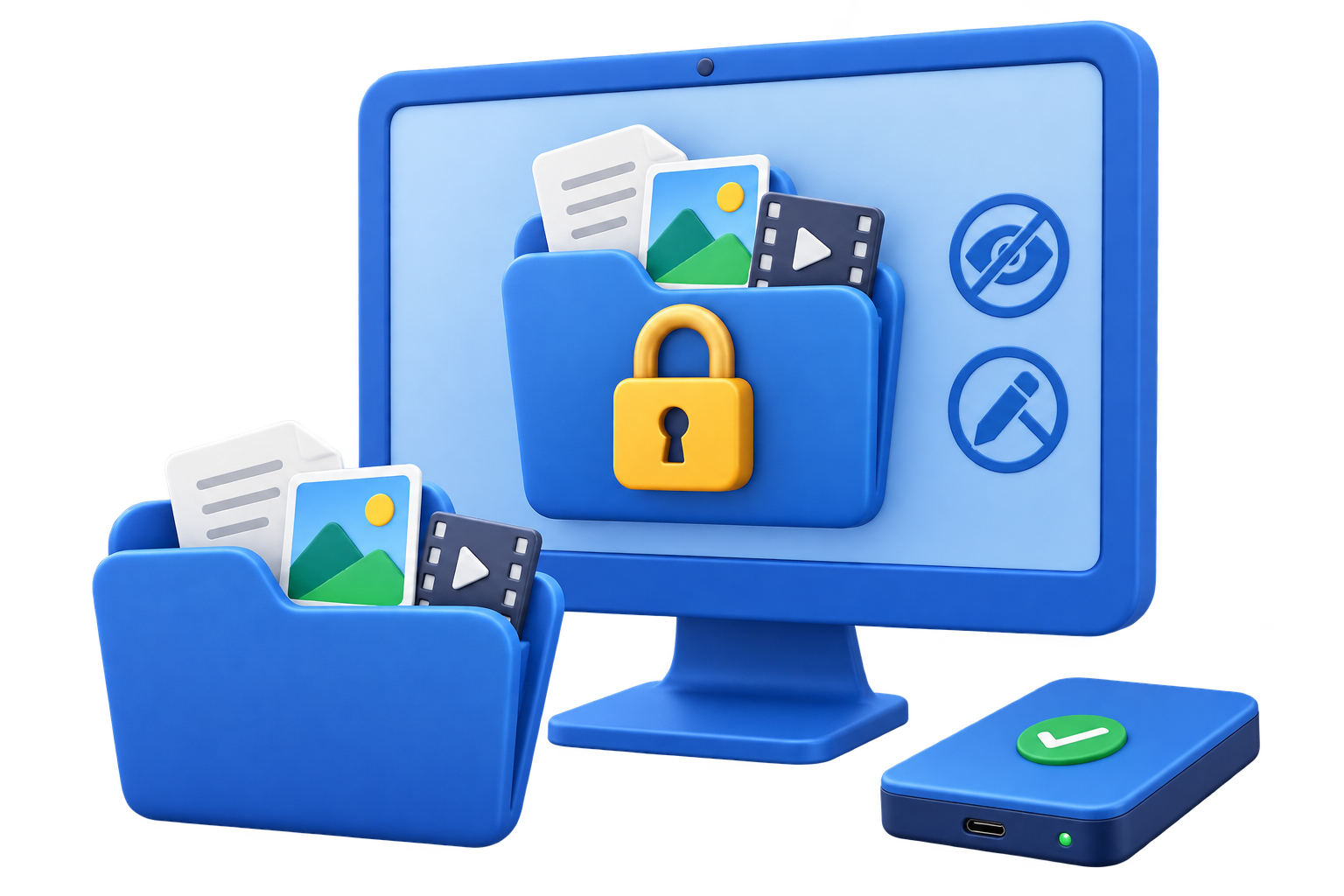
Folder lock software for Windows to password protect files, folders, USB drives, and LAN shared folders.

Built for users who need fast folder privacy, USB file protection, shared-folder access control, and portable encryption without changing their whole disk setup.

Windows 2000/XP/7/10/11 (32 bits &64 bits)

Download TrialVersion: 13.5BUY NOW$39.95 $49.95

Password Protect Files, Folders, USB Drives, and Shared Folders on Windows

GiliSoft File Lock Pro is a Windows folder lock and file protection tool built for people who need stronger privacy controls than standard file permissions. Use it to lock folders with a password, hide sensitive files, protect data on USB drives, restrict changes with read-only mode, and secure shared folders on a local network.
It is designed for personal documents, office folders, portable drives, and small-team environments where you need quick access control without a complex deployment. In one application, you can lock, hide, encrypt, monitor, and securely shred files so private data stays protected from unauthorized viewing, editing, copying, or recovery.
For macOS users, go to File Lock Pro macOS.

Who Is This For?

People who share a Windows PC and need stronger folder privacy

Use File Lock Pro when sensitive folders should stay private from family members, coworkers, students, or other users on the same computer.

Small teams that use USB drives and shared folders every day

It works well for office documents, HR files, project folders, and portable files that move between workstations, external drives, and LAN shared folders.

Users who want faster access control than full-disk security tools

If you do not need to encrypt an entire system drive, File Lock Pro gives you focused file and folder protection with quicker setup and more granular control.

Why Not Just Use Windows Permissions, BitLocker, or EFS?

Windows permissions are useful, but not always simple for personal privacy

NTFS permissions can work well for managed systems, but they are often inconvenient for home users or small teams that want quick password-based protection on specific folders.

BitLocker is great for full-drive security, not always for folder-level control

BitLocker protects an entire drive. File Lock Pro is better when your main task is locking or hiding selected files and folders, controlling USB folder access, or protecting a LAN shared folder without changing the whole drive workflow.

EFS is built into Windows, but it does not cover the same practical use cases

EFS focuses on file encryption tied to user accounts. File Lock Pro combines folder locking, hide mode, read-only protection, monitoring, shared-folder control, portable encryption, and secure deletion in one place.

Core File Protection Features

Hiding Files/Folders/Drives

Hide your private files/folders from local disk or external (USB) disk, completely invisible to anyone or any programs even under Windows Safe Mode. Make your private data unsearchable. All hidden files are never shown in search results.

Locking Files/Folders/Drives

Password protect any type files/folders on local disk or external (USB) disk, password protect a folder so all new files added become password protected also. Lock folder on USB with master password and client password.

Protecting Files/Folders/Drives

After protect the files/folders on local disk, people can read the write-protected files, but nobody can modify, delete (even shift delete), or rename it without password.

Folder/Disk Monitoring

Monitor a disk or a folder and its sub-folders when changing and writing or any operations or changes make by a user.

Locking LAN Shared Folder

Windows doesn't have a built in feature which allows you to lock access to a folder via a password. With GiliSoft File Lock Pro, you set passwords for your folder shared on network that limit access to them.

File Encryption/Portable Encryption

Encrypt files and folders into GFL format or EXE format file with AES encryption algorithm. You can open EXE encrypted files or folders on other computer.

File Shredder/Disk Wiper

File Shredder has been developed as fast, safe and reliable tool to shred your company files. It also has integrated Disk Wiper which uses shredding algorithm to wipe unused disk space. Permanently delete files and folders, ensuring they cannot be recovered from the recycle bin or by data recovery tools, preventing unauthorized retrieval.

Advanced Settings &Self-protection Mode

Exclude List - There are system files or program you can not lock, you can use this exclude list to filter out them. You can use Program Log to view all history of operations. Nobody can uninstall this software without password and you can hide this program in Invisible Mode. When someone enters wrong password more than 5 times, it will send alarm notifications to your pre-defined e-mail and the unknown login will be temporarily banned.

Additional Tools

Compression and Extraction Tools

Compress files and images into zip, 7z, or exe formats to reduce storage space. You can also batch resize images and extract rar files when you need lightweight file-management utilities.

Repair Utilities for Damaged Files

Fix corrupted or unreadable files with extra repair utilities that support the following formats: Video: MP4, AVI, MOV, MKV, FLV, WMV, M4V, and other common video formats. Image: JPG, JPEG, PNG, BMP, GIF, TIFF, HEIF, and other popular image formats. Document: PDF, DOC, DOCX, XLS, XLSX, PPT, PPTX, and other standard document formats. Audio: MP3, WAV, WMA, AAC, FLAC, OGG, and other common audio formats.

Multi-Layer Data Protection

Combine visibility control, access restrictions, and encryption for stronger end-to-end file security.

Operational Security Controls

Use practical protection settings that are easy to deploy across individual and small-team environments.

Customer Testimonials

We needed one tool to lock project folders on office PCs and USB drives, and File Lock Pro handled both without confusing setup.

- Olivia M., IT Security Lead

The hide mode is useful for HR documents because hidden folders do not show in normal browsing or search results.

- Kevin T., Systems Administrator

Read-only protection stopped accidental edits in our template library while still allowing staff to open and use files.

- Rachel P., Compliance Manager

Shared-folder password control helped us protect LAN resources for small teams without changing our existing network layout.

- Daniel K., IT Administrator

EXE portable encryption is convenient when we must send sensitive files to partners who do not have our internal tools installed.

- Brian C., Support Engineer

The file shredder and disk wiper features are valuable for endpoint turnover because deleted data is much harder to recover.

- Megan S., Operations Manager

Activity logs and wrong-password alerts give us clearer audit visibility when employees access protected folders.

- Laura D., Compliance Analyst

We also use the built-in repair tools for damaged media files, so this product covers security and file maintenance in one place.

- Ethan W., Digital Asset Manager

File Lock Pro's Screenshots

How-to Guides

Common File Security Use Cases

Password protect folders on Windows 11 and Windows 10

Use File Lock Pro to lock private folders with a password so other users cannot open, modify, rename, or delete their contents. This is useful for HR files, finance records, legal drafts, and personal documents stored on shared PCs.

How to password protect a folder in Windows 11 | How to password protect a folder | Best folder lock software | Lock files and folders on Windows

Hide private files and folders from normal browsing and search

Use hide mode when your goal is to keep files, folders, or drives out of casual view on shared PCs and workstations without changing the whole system setup.

File hide software | Folder hide software | How to hide files and folders on Windows 11 | How to hide a file

Lock folders and files on USB drives

Protect folders on USB flash drives, external hard disks, memory cards, and thumb drives before carrying them between devices. This helps secure portable data used in travel, field work, training, and partner file sharing.

How to lock a folder on a USB drive | How to password protect a USB drive | Best file locker for USB drive

Control access to network and shared folders

Apply password protection and access restrictions to folders shared across a LAN so teams can keep project directories, templates, and internal files available only to authorized users.

How to password protect a shared folder in Windows | Password protect a shared folder in Windows 11 | Protect a shared folder with a password | View the File Lock Pro user guide

File Lock Pro FAQ

How do I password protect a folder on Windows?

Choose the folder you want to secure, assign a password, and apply lock protection. After that, unauthorized users cannot access or modify the protected content without the correct password.

File lock software | Folder password protection software | Password protect folders software | Folder lock software for Windows

Can I hide files and folders from search results?

Yes. File Lock Pro includes hide mode for files, folders, and drives so protected items stay invisible in normal browsing and are not shown in standard Windows search results.

File hide software | Folder hide software

Is File Lock Pro useful for USB drives and portable storage?

Yes. You can lock, hide, encrypt, and protect data on removable media including USB drives, thumb drives, and memory cards, which makes it useful for portable work files and backups.

What is the difference between locking and encrypting files?

Locking blocks access with password protection and access-control rules, while encryption converts the file or folder into protected encrypted data. File Lock Pro supports both approaches so you can choose the level of protection that fits the task.

File protection software | File security software | Password protect files software | Folder security software

Should I use BitLocker or folder lock software?

Use BitLocker for full-drive encryption. Use File Lock Pro when you need file and folder privacy, hide mode, USB folder control, or shared-folder protection without encrypting the whole drive.

BitLocker vs folder lock software | Folder lock software vs BitLocker | EFS vs file lock software

What is the best file locker for a USB drive?

If you need to lock or hide selected folders on a USB drive, File Lock Pro is usually the better fit. If you need to encrypt the whole removable drive, a full USB encryption tool may be more appropriate.

Best file locker for USB drive

What is the best folder lock software for Windows?

The best choice depends on whether you need quick password-based folder privacy, hide mode, USB folder control, and shared-folder protection. For those practical Windows workflows, File Lock Pro is built to cover all of them in one place.

Best folder lock software | Best file and folder lock software | Folder lock software for Windows

Can File Lock Pro protect folders shared across a local network?

Yes. It can apply password-based access control to shared folders on a LAN, which is useful for office documents, team templates, and internal project directories that should not stay open to everyone.

How to password protect a shared folder in Windows | Password protect a shared folder in Windows 11 | File Lock Pro user guide

Choose the Right GiliSoft Tool

Need to lock local folders, shared folders, and selected files on Windows?

Use File Lock Pro when your main goal is folder privacy, hide mode, password-based access control, USB folder locking, and LAN shared-folder protection in one workflow.

Use File Lock Pro | View the user guide

Need a lighter file and folder locker without the broader Pro workflow?

Use File Lock when you want more basic file and folder locking rather than the wider shared-folder, monitoring, and advanced control set in File Lock Pro.

View File Lock

Only want to control USB permissions and block removable-device access?

Use USB Lock when the main need is managing USB ports, removable-device access, and endpoint USB policy rather than locking local folders or shared directories.

View USB Lock

Need true encryption for removable media instead of locking selected folders?

Use USB Encryption when the goal is encrypting the whole USB drive or removable medium, especially when you need stronger protection for portable storage end to end.

View USB Encryption

Media Review

  Editors highlighted the product's practical mix of file locking, hiding, and encryption for daily Windows privacy protection.
    Coverage also noted that first-time users can deploy protection policies quickly with minimal training.

Review notes frequently mention the clean workflow for securing sensitive folders on local and removable drives.

  Reviewers praised granular controls such as read-only mode, shared-folder password rules, and operation logs.
    Test feedback described consistent performance when applying and removing protection in repeated sessions.


Analysts described File Lock Pro as a feature-rich Windows data protection utility for file and folder access control.

  Independent write-ups described the suite as dependable for endpoint privacy, especially for USB workflows and shared office computers.
    Commentary emphasized straightforward administration and reliable access recovery with master-password controls.


Senior editors highlighted the balance between strong protection options and day-to-day usability for non-technical teams.