GiliSoft USB Stick Encryption divides USB drive into two areas: public area and secure area. You can store normal files in public area, and store sensitive data in secure area. Nobody can accees the data on the secure area whithout password,all the files located in the secure area will be encrypted and absolutely private.
1. Insert the USB stick that you want to password protect into the USB port of your computer.
2. Choose the drive and set the size of secure area will be created.
3. Click "Install" button to start creating secure area.
4. Set the username and password of the secure area and click OK button to finish the operation.
[Tip]
Before creating secure area,you should backup your files on USB stick to hard disk firstly.
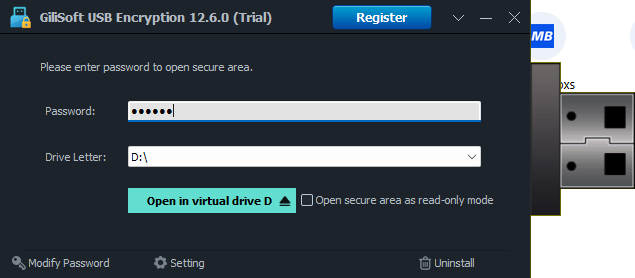
1. To access your data again, You can plug-in your USB drive into the computer and run the program "agent.exe" on your USB drive.

2. Enter the password of secure area.
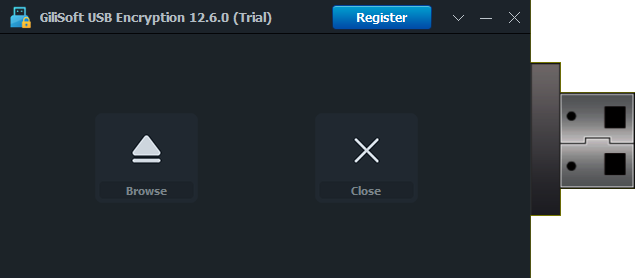
1.Close all programs that are accessing data on the secure area.
2.Right-click this program's tray.
3.Click the menu item "Close secure area" to close the area or click the menu item "Exit" to close the area and eject the USB stick.
1. You can plug-in your USB drive into your computer.
2.Click "Repair" button to repair the usb drive.
3.Now you can open this secure area.
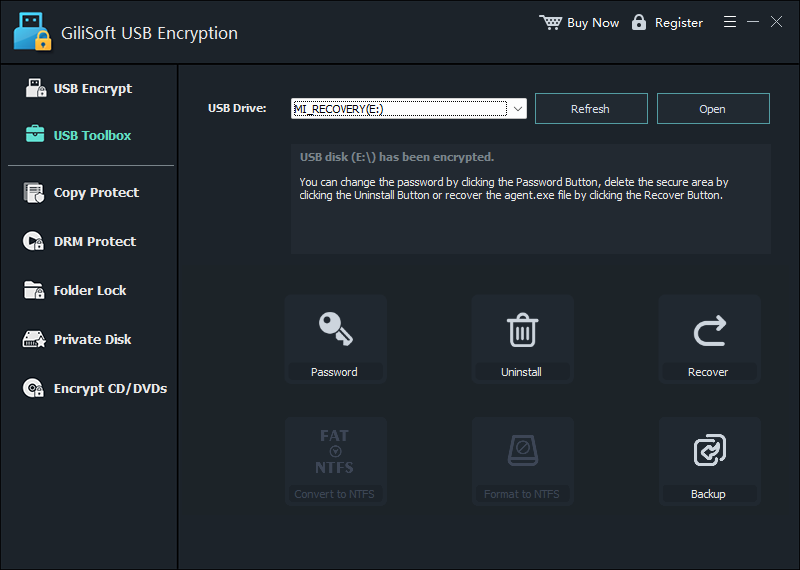
1. You can plug-in the USB drive into your computer.
2. Click "Uninstall" button to starting to free the secure area.
3. Enter the username and password of the secure area to finish the operation.
[Tip]
Before freeing secure area,you should backup your files on secure area to hard disk firstly.
1. You can plug-in the USB drive into your computer.
2. Click "Change Password" button .
3. Enter the old password and set the new passord of secure area to finish the operation.