GiliSoft RAM Disk for Windows | Create a High-Speed Virtual RAM Drive

Gilisoft RAMDisk

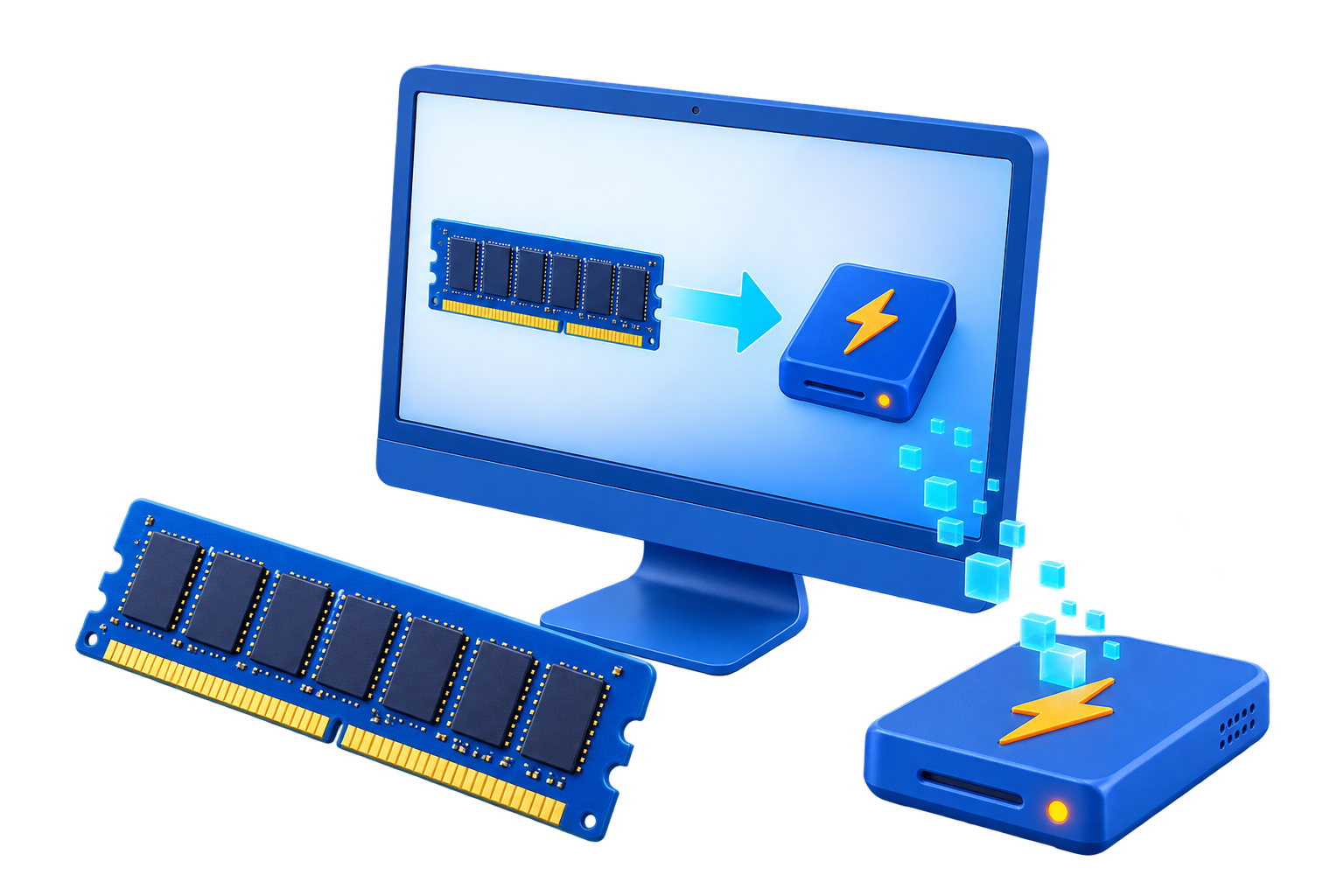
Create a high-speed virtual drive directly in system memory

Speed up browser cache, temporary files, and scratch data workflows

Reduce write pressure on SSDs when handling disposable file activity

Improve responsiveness for builds, rendering, and repeat-read tasks

Use RAM storage for short-lived files that do not need permanent retention

Give Windows users a practical RAM disk workflow for performance tuning


Windows 2000/2003/XP/Vista/7/8/10
(32 bits & 64 bits)

Free DownloadBuy Now$39.95 $49.95

What Does Gilisoft RAMDisk Do?

GiliSoft RAMDisk creates a virtual disk in your computer's memory so Windows and desktop applications can read and write temporary data much faster than on a normal hard drive. Because system RAM is dramatically faster than mechanical storage and still faster than many SSD workflows for short-lived data, a RAM disk is a practical way to handle cache files, temporary folders, scratch data, and repeat-read workloads with less disk bottleneck. The RAM-based drive appears in Windows Explorer like a normal drive, with your own size, drive letter, and file system choices, so you can copy, move, delete, and point applications to it just as you would with a regular disk.

Like it!

"As temporarily files are not written to the hard disk, there will be fewer read/write cycles, which is especially important for prolonging the life of Solid State Drives (SSD) installed in some laptops."
-------------- Hal Daume
"Provided you have got a sufficient amount of RAM, using a fast in-memory disk for temporary data will boost the computer performance."
-------------Elena Santos

Why Choose Gilisoft RAMDisk?

Use GiliSoft RAMDisk when you want faster access to temporary data without changing the rest of your storage setup. A RAM disk is especially useful for browser cache, temporary working folders, scratch files for media applications, build output, and other short-lived data that benefits from very fast read/write access. It can also help reduce unnecessary write cycles on an SSD when the files are disposable anyway. This makes RAM Disk a practical Windows utility for users who want to speed up repeat-access tasks, keep transient files off the main drive, and build a cleaner performance-tuning workflow around cache and temp storage.

RAMDisk - give you flying experience


Using CrystalDiskMark (click this download) test, the memory disk generated by the Gilisoft RAMDisk (right, based on the Ramaxel brand memory, DDR31600MHz), detonating the ordinary mechanical hard disk at the speed (left, based on the Western Digital brand hard disk, 7200rpm, SATA3.0, 6Gb/s). The size of the RAMDisk used in the test is 2GB, the size of the hard disk partition is 801GB, and the size of the write files is 100MB.

Use ATTO Disk Benchmark (click this download) to test, the results are as follows (the left is a mechanical hard disk, the right is RAMDisk, please note the difference in the unit below).

Who Is This For?

Windows users trying to speed up temporary file workflows

Use RAM Disk when the files are disposable but accessed constantly, such as temp folders, browser cache, scratch data, and short-lived working files.

Developers and power users

It is useful for build folders, compiler output, intermediate files, and testing workflows where a faster temporary workspace can reduce storage delays.

Creative users handling scratch data

Media editors, render-heavy users, and people working with repeated preview or cache activity can use a RAM-based drive for faster temporary access.

SSD-conscious users

When the data does not need to survive a shutdown, moving that write activity into RAM can be a practical way to keep disposable traffic off the main SSD.

Common RAM Disk Use Cases

Use a RAM disk for browser cache

Browser cache is one of the most practical RAM disk use cases on Windows because the files change often and usually do not need permanent retention. Related guides: RAM Disk for Browser Cache, speed up Chrome with RAMDisk, speed up Firefox with RAMDisk, and speed up Internet Explorer with RAMDisk.

Speed up temp files and scratch folders

Use RAM Disk for temporary folders, extracted working files, render cache, and other scratch storage when the goal is faster short-lived data access rather than permanent storage. Related page: RAM Disk for Temp Files.

Reduce SSD wear from disposable writes

If your workload constantly creates cache, logs, and temp files that are not important after shutdown, RAM Disk can keep that activity off the SSD while improving speed. Related page: RAM Disk to Reduce SSD Wear.

Create a high-speed virtual drive on Windows

Use a virtual RAM drive when you want a dedicated drive letter for fast temporary storage without replacing your normal hard drive or SSD workflow. Related page: Virtual RAM Drive for Windows.

Use RAM Disk on older but memory-rich systems

Even on older PCs with enough RAM, a memory-backed disk can be a practical performance upgrade for cache-heavy tasks. Related page: RAMDisk for Windows 7 64-bit.

Set up a RAM disk for day-to-day workflows

Use the tool when you want a repeatable Windows setup for browser acceleration, temporary build paths, or disposable working folders. Related page: how to use RAM Disk.

Use RAM Disk for development and build folders

When compiler output, temporary builds, and disposable project data are slowing down the workflow, a RAM-backed drive can be a practical fit. Related page: RAM Disk for Developers.

Use RAM Disk for media scratch and editing cache

Preview files, temporary render cache, and scratch data are often good candidates for RAM-backed storage during active editing sessions. Related page: RAM Disk for Video Editing Cache.

Use RAM Disk for build cache

Incremental build artifacts and compiler cache are strong candidates for memory-backed temporary storage when speed matters more than retention. Related page: RAM Disk for Build Cache.

Use RAM Disk in gaming-related cache workflows

Launcher cache and other short-lived game support data can be reasonable RAM Disk candidates when the files are temporary. Related page: RAM Disk for Gaming Cache.

Use RAM Disk as part of an SSD-conscious setup

SSD users often want a cleaner way to handle disposable write-heavy workflows instead of placing everything on the main drive. Related page: RAM Disk for SSD Users.

Use RAM Disk for After Effects cache

Preview-heavy motion graphics workflows often generate short-lived cache that can benefit from a RAM-backed temporary drive. Related page: RAM Disk for After Effects Cache.

Use RAM Disk for Photoshop scratch-style workflows

Large image-editing sessions can create temporary scratch-style data that fits RAM-backed storage better than permanent placement on the main drive. Related page: RAM Disk for Photoshop Scratch Files.

Use RAM Disk for browser privacy workflows

When temporary web-session data should be kept more disposable, a RAM-backed cache workflow can make cleanup more natural. Related page: RAM Disk for Browser Privacy.

RAM Disk FAQ

What is a RAM disk used for on Windows?

A RAM disk is mainly used for temporary files, browser cache, scratch data, build folders, and other short-lived workflows where very fast access matters more than permanent storage.

Is RAM Disk good for browser cache?

Yes. Browser cache is one of the most common RAM disk use cases because the files change often, benefit from fast access, and usually do not need long-term retention.

Can a RAM disk help reduce SSD writes?

Yes. If the workload creates a lot of disposable cache and temporary data, moving that activity into a RAM disk can reduce unnecessary write traffic on the SSD.

Is a RAM disk a replacement for normal storage?

No. RAM Disk is best for temporary or easily recreated data. It is not meant to replace normal hard drives or SSDs for long-term file storage.

Who benefits most from RAM Disk?

Users with enough memory and cache-heavy workloads benefit most, especially developers, media users, browser-heavy users, and anyone handling lots of temporary files on Windows.

How much RAM should I have before using a RAM disk?

You should have enough spare memory left for Windows and your normal applications first. RAM Disk works best when the system has comfortable free RAM and the RAM-based drive is only used for temporary or disposable workflows.

Top RAM Disk Guides

Browser cache and privacy

Start with RAM Disk for Browser Cache, RAM Disk for Browser Privacy, and the browser-specific guides for Chrome, Firefox, and Internet Explorer.

Temporary files and SSD-conscious workflows

Use RAM Disk for Temp Files, RAM Disk to Reduce SSD Wear, and RAM Disk for SSD Users when the main goal is handling disposable write-heavy activity more cleanly.

Developers and build workflows

Use RAM Disk for Developers and RAM Disk for Build Cache when compiler cache, temporary project data, and intermediate build output need faster short-lived storage.

Creative scratch and preview cache

Use RAM Disk for Video Editing Cache, RAM Disk for After Effects Cache, and RAM Disk for Photoshop Scratch Files when the temporary layer around editing or compositing needs to be faster than the main drive.

Virtual drive setup and installation

Use Virtual RAM Drive for Windows, How to Use RAM Disk, RAMDisk Installing, and RAMDisk Uninstallation when the real need is understanding setup and everyday operation.

Platform and scenario extensions

See RAMDisk Windows 7 64-bit and RAM Disk for Gaming Cache for older-system and gaming-adjacent search intents that still fit the same product line.

Media Review

  Editors highlighted the usefulness of a memory-backed drive for cache-heavy Windows workflows.
    Coverage noted clearer performance gains when RAM Disk is used for temporary rather than permanent files.

  Reviewers praised RAM Disk setups that target browser cache, temporary folders, and scratch data instead of trying to replace ordinary storage.
    Lab observations emphasized practical gains in short-lived read/write workloads.

  Independent write-ups described RAM Disk as a pragmatic Windows utility for users who know where temporary-file bottlenecks exist.
    Commentary emphasized straightforward setup and clear use cases such as cache acceleration and SSD-write reduction.