Photos, Videos, Music, and Titles
Add photos, video clips, background music, text, titles, and captions to build a complete Mac slideshow video.

Turn photos, video clips, music, captions, subtitles, filters, overlays, masks, and picture-in-picture layers into shareable slideshow videos on macOS.
GiliSoft Slideshow Maker for macOS is not only a photo-to-video maker. It helps Mac users combine pictures, short video clips, background music, voice, titles, SRT subtitles, transitions, filters, overlays, masks, and picture-in-picture elements into a finished slideshow video.
Use it for family memories, event recaps, class presentations, product photo videos, social posts, and creative projects where a simple slideshow tool should still include useful editing controls. You can adjust clip order, set image display time, split video, change playback speed, reverse or flip clips, crop scenes, tune color, add or remove watermarks, and export the result for common screens and sharing platforms. For Windows users, see Slideshow Maker for Windows.


Add photos, video clips, background music, text, titles, and captions to build a complete Mac slideshow video.
Use rich transition effects between scenes and adjust timing so photo changes feel smooth and intentional.
Add styled text, intro labels, captions, and imported SRT subtitle files for narrated or instructional videos.
Apply filters, tune color, adjust brightness and saturation, and add visual effects before exporting.
Create layered scenes with overlays, mask effects, image or video animation, and picture-in-picture layouts.
Split video clips, capture highlights, change playback speed, play clips in reverse, and add freeze-frame moments.
Crop the visible area, rotate media, flip or mirror clips, and adjust layer transparency for cleaner compositions.
Mix multiple audio sources, add music, use narration, and apply voice-changing effects for creative projects.
Add an image watermark for branding or remove unwanted marks when preparing personal slideshow material.
Export finished videos in common formats for YouTube, phones, tablets, TV playback, presentations, and family sharing.

We can combine photos, short clips, subtitles, and music without moving the project into a large editing app.
The overlay and picture-in-picture tools make our Mac event videos look more complete than a basic slideshow.
Being able to split clips, crop scenes, and adjust speed before export saves a lot of cleanup time.
SRT subtitles and text materials are useful for class presentations and guided family history videos.
Filters, color adjustment, watermarks, and HD export give us enough control for everyday Mac video stories.
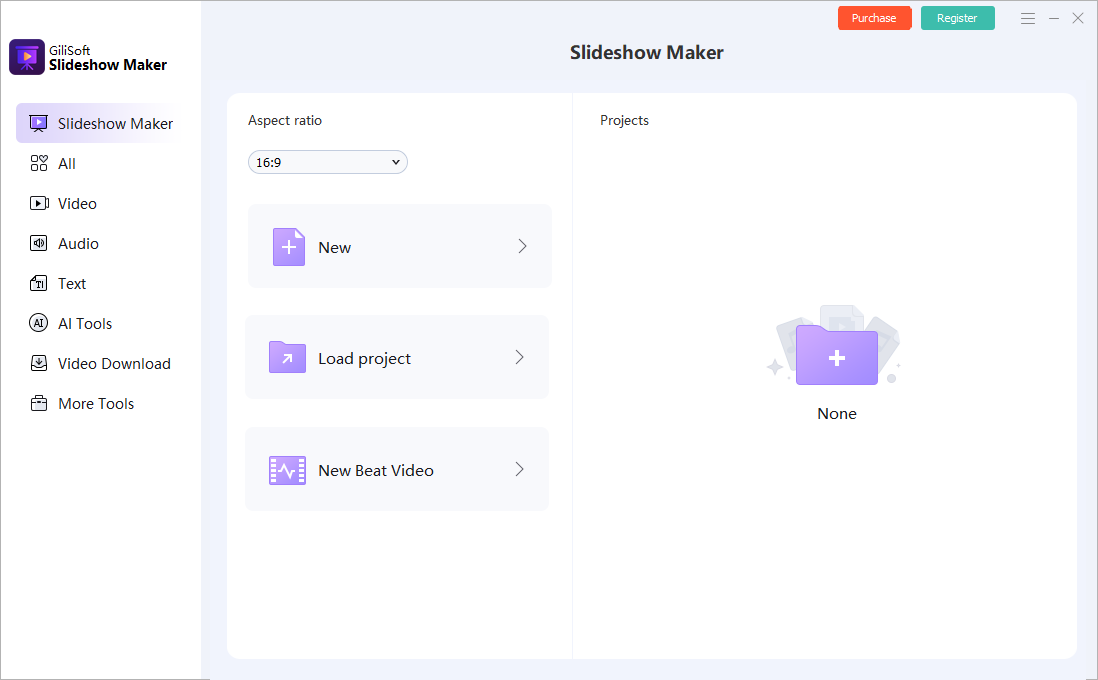
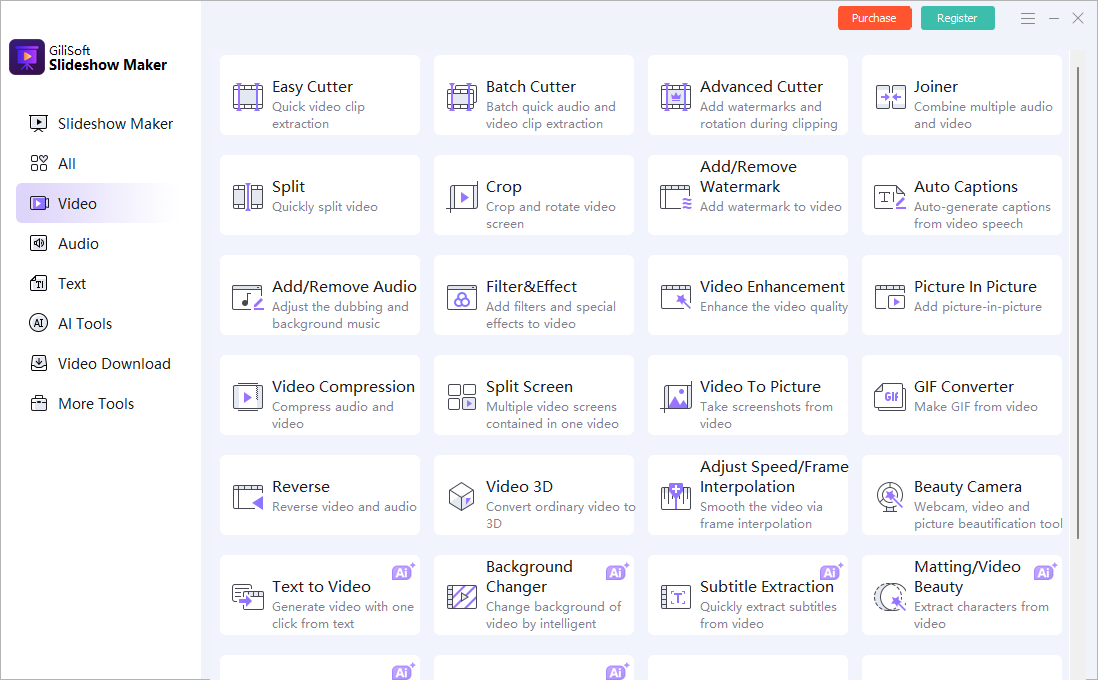
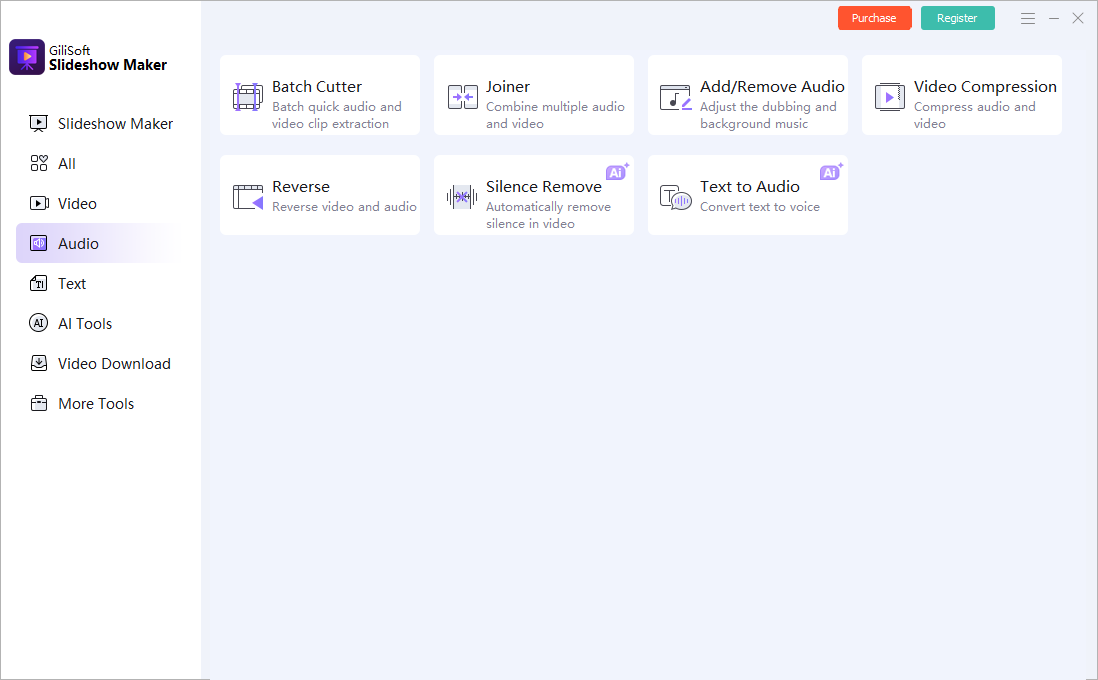
Create birthday, wedding, anniversary, graduation, reunion, travel, and family history videos from photos and clips.
Turn event media into recap videos with titles, SRT subtitles, music, and simple highlight editing.
Build product photo videos, service introductions, social posts, portfolio reels, and lightweight promotional videos on a Mac.
Combine still images, video clips, overlays, masks, picture-in-picture scenes, and voice or music in one project.
Add captions, subtitles, freeze frames, crop adjustments, and visual emphasis to make instructional slideshows clearer.
Choose it when Apple Photos or a simple online maker is too limited, but a full video editor is more than you need.
Add photos, clips, songs, titles, transitions, and captions for event playback or family sharing.
Combine destination photos, phone clips, map screenshots, text labels, and music into one shareable video.
Turn product shots, design samples, before-and-after images, and short demo clips into presentation videos.
Use SRT subtitles, title cards, freeze frames, and narration to explain scenes clearly.
Use overlays, masks, picture-in-picture, filters, speed changes, and voice effects for more expressive posts.
Crop, rotate, flip, split, reverse, tune color, and manage watermarks before saving the finished slideshow video.
Use Slideshow Maker for macOS when you want photos, clips, music, subtitles, transitions, overlays, masks, and HD export in one focused tool.
Use Slideshow Maker for Windows when you create similar photo and video slideshow projects on a Windows PC.
Use Video Editor for macOS when the main job is cutting, joining, cropping, converting, or editing video footage beyond slideshow creation.

Photo and video slideshow creation for Mac users Editors highlighted practical tools for turning mixed photo and clip collections into polished slideshow videos with music, text, and transitions.

More control than a basic photo slideshow maker Review notes praised the mix of import support, subtitle options, soundtrack tools, preview controls, visual effects, and device-friendly output.

Good fit for repeat event, class, and family projects The product is strongest when Mac users need slideshow videos with editing touches such as crop, speed, overlay, picture-in-picture, and HD export.


Enter your email address to get our latest newsletter