Create Encrypted .gpd Lockers
Create private disk lockers for sensitive files, open them with a password, and close them after work so the protected content returns to encrypted container storage.

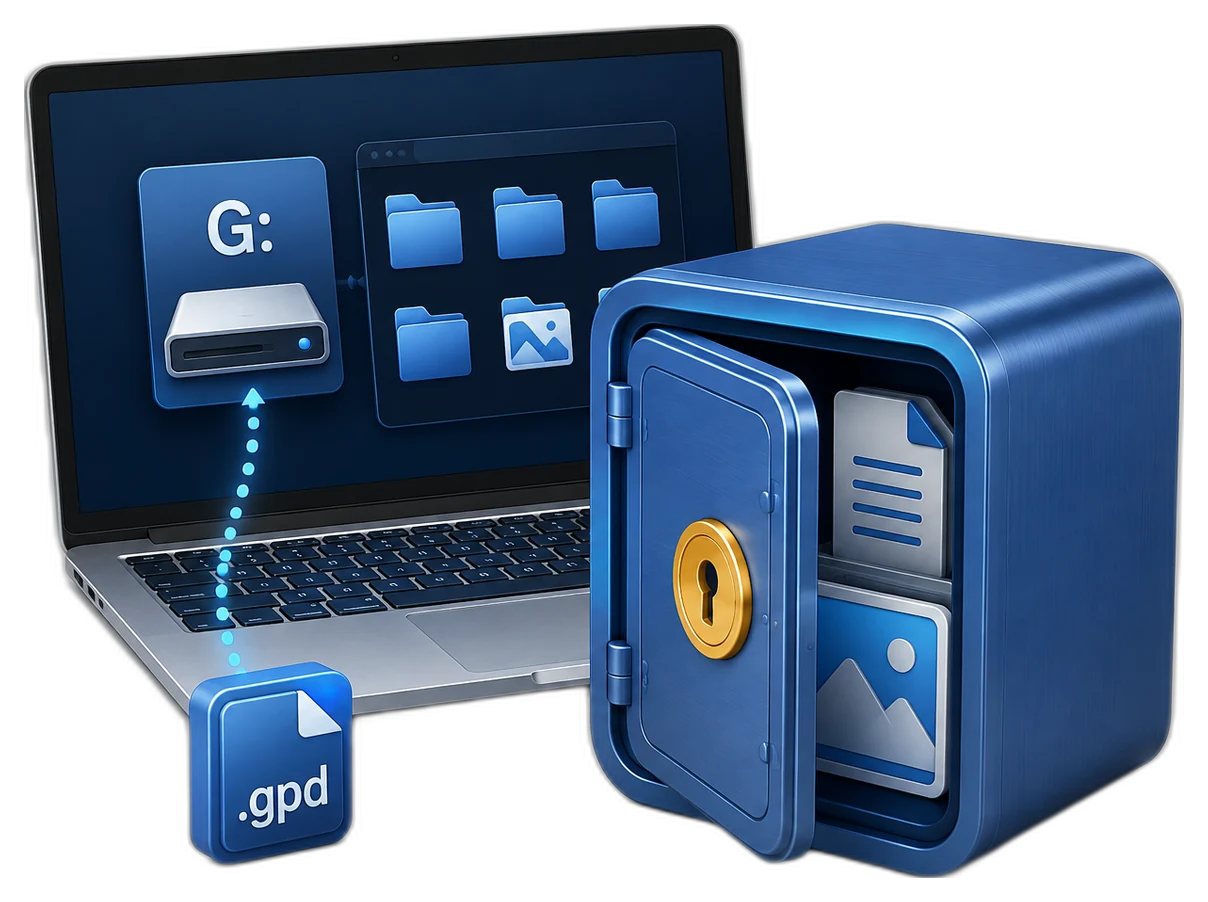

GiliSoft Private Disk creates password-protected encrypted lockers for confidential files. Each locker is saved as a protected `.gpd` container and can be opened when you need to work, then closed again so the private files are no longer exposed as ordinary folders.
Use it for personal documents, client files, contracts, ID scans, private photos, project archives, account records, and portable storage. In addition to encrypted private disks, the product includes tools for protected USB or external-drive delivery, CD/DVD or email attachment protection, hidden files, disguised folders, and password wallets.

Create private disk lockers for sensitive files, open them with a password, and close them after work so the protected content returns to encrypted container storage.
After a locker is opened, work with documents, photos, videos, and archives in a familiar mounted storage space instead of managing many separate locked files.
Copy protected lockers to USB drives or external drives for portable use, so confidential files are not stored as plain folders on removable media.
Prepare protected private-disk files for CD/DVD media or email attachments when sensitive content must be delivered outside the local PC.
Hide selected files or folders from normal browsing when you need a quick privacy layer on a shared Windows computer.
Use folder disguise mode to make sensitive folders less obvious in day-to-day browsing, adding privacy beyond ordinary folder names.
Close the locker after work so private files are no longer visible as an ordinary drive or folder until the locker is opened again.
Create password wallets for account notes, license keys, private records, and other sensitive reference information that should not stay in plain text.
Create separate lockers for personal files, business documents, archives, portable transfer, or department-specific storage.
Store older records, scans, contracts, and project archives in encrypted container files before backup, transfer, or long-term storage.
Place sensitive files inside a protected locker before storing the container in a synced folder, so the cloud folder does not hold loose private files.
Keep confidential material inside a dedicated encrypted workspace instead of mixing it with downloads, desktop folders, or shared project directories.

We keep HR and finance files in separate encrypted lockers, and mount them only during approved processing windows.
AES-256 locker protection has been stable in daily use, and our team adopted it without changing file organization habits.
Using encrypted containers inside cloud sync folders reduced policy exceptions for confidential project documents.
Portable USB lockers helped us move sensitive files between offices without exposing plain documents on removable drives.
Hidden disk mode is useful on shared workstations because private folders disappear completely after unmounting.
Mounting multiple lockers lets us separate legal archives from day-to-day operations, which made access audits easier.
Preview the main Private Disk workflow: create and open encrypted lockers, protect files for USB or external delivery, hide private files, disguise sensitive folders, and keep account records in password wallets.

Create .gpd private disk lockers, open them with a password, edit existing lockers, and close them when private work is finished.
Use Private Disk when the goal is to keep confidential files inside one protected virtual disk instead of locking many folders one by one.
Create separate encrypted lockers for departments or workflows so sensitive files stay isolated and are mounted only when needed.
Hidden disk image mode and mount-unmount workflows help keep private content out of normal browsing on shared or mixed-use systems.
Portable private disk workflows are useful when secure files need to travel between offices, client machines, or controlled removable media.
Mount the private disk while working, then unmount it so confidential files disappear from normal drive and folder browsing.
Store contracts, IDs, scans, tax records, project archives, and personal records in one controlled encrypted container.
Keep scans, records, private images, and sensitive files inside an encrypted virtual disk that stays hidden after unmounting.
Private disk software | Hidden encrypted disk for Windows | Protect confidential files on a shared PC
Use dedicated encrypted lockers for finance, HR, legal, or project data instead of mixing those files with ordinary folders.
Encrypted virtual disk for Windows | Password-protected virtual disk | Encrypted storage for confidential files
Create a portable private disk when secure files must move across systems more safely than plain folders on removable media.
Portable private disk for USB storage | How to use Private Disk | USB Encryption
Build a separate encrypted storage area when your goal is one protected workspace rather than many individually locked folders.
Create encrypted virtual disk on Windows | Private disk software | File Lock Pro
Keep the sensitive files inside an encrypted container before syncing, so cloud folders hold protected storage rather than exposed loose files.
Use mount and unmount behavior to keep private files available only during approved work sessions on shared Windows PCs.
A private disk is a password-protected encrypted virtual disk that appears like normal storage after it is mounted and unlocked.
Yes. Hidden disk image workflows are part of the product direction, so protected storage can stay less visible during everyday use.
Yes. File locking protects specific files and folders, while Private Disk gives you a separate encrypted storage space for confidential content.
Yes. It supports portable encrypted USB locker workflows when protected files need to move between computers more safely.
Yes. You can keep sensitive content inside encrypted lockers before it is handled through synced folders or shared transfer workflows.
Use Private Disk when you want one dedicated encrypted storage space. Use File Lock Pro when your main need is locking, hiding, or monitoring individual files and folders.
Choose based on whether you need one encrypted private storage area, file-by-file access control, privacy cleanup, removable-drive encryption, or full-disk protection.
Use Private Disk when the goal is a dedicated password-protected virtual disk for confidential files, archives, and private workspaces.
Use File Lock Pro when the main need is folder locking, hide mode, shared-folder access control, or stronger file-by-file restrictions.
Use Privacy Protector when the workflow combines browser trace cleanup, Windows activity cleaning, file hiding, and secure deletion.
Use USB Encryption when the removable device needs dedicated secure and public areas with password-protected storage on the drive itself.
Need to protect an entire Windows drive before boot? Review Full Disk Encryption. Need endpoint USB policy instead of encrypted storage? Review USB Lock.

 Editors highlighted practical encrypted-disk workflows for protecting confidential files on Windows PCs.
Coverage noted clear setup steps for teams needing quick data isolation controls.
Conveniently, any protection on files or folders remains active,
even if the protected items are transferred from PC to USB or another PC ...

Reviewers praised mount/unmount controls and encrypted container behavior in daily operational use.
Lab observations mentioned stable access control during repeated lock and unlock cycles.
Snoopers can't find or access the files you protect using Private Disk,
even in DOS or under other operating systems...

Independent write-ups described Private Disk as a focused tool for encrypted virtual storage and privacy control.
Commentary emphasized low management overhead and reliable protection behavior.
Protect your sensitive files and folders with Private Disk - unique
encryption software with an abundance of security options...


Enter your email address to get our latest newsletter
Private Disk Software
Encrypted Virtual Disk
Hidden Encrypted Disk
Password-Protected Virtual Disk
Portable Private Disk USB
Create Encrypted Virtual Disk
Encrypted Disk Container
Encrypted Storage for Confidential Files
Protect Confidential Files on Shared PC
Private Disk Guide
Disk Hide Software
Data Encryption
File Encryption
Folder Protection
File Lock Pro
USB Encryption
USB Lock
DRM Protection
Copy Protection
AI Agent Lock
Total Repair