Can I make a slideshow with photos and music?
Yes. Import your pictures, arrange them on the Video track, and place background music on the separate Audio track.

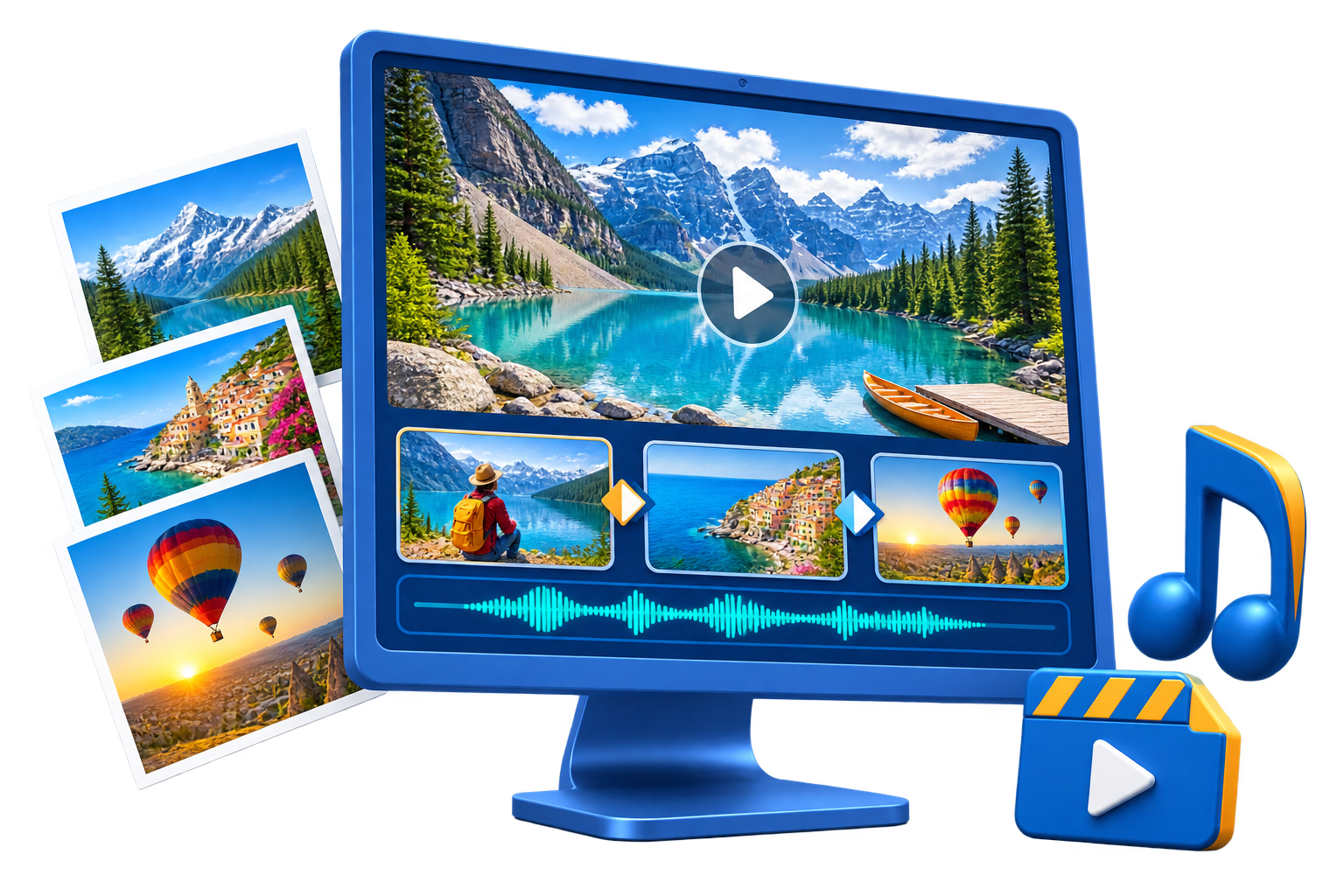
GiliSoft Slideshow Maker helps Windows users turn photo collections and short clips into structured video stories. Import local media, arrange scenes on a multi-track timeline, add music or voiceover, build titles and subtitles, apply transitions, filters, effects, overlays, and animated stickers, then preview the complete project before export.
Use it for wedding and birthday memories, travel recaps, school events, product photo videos, training summaries, and other projects where visual storytelling matters more than frame-by-frame video editing. For macOS users, see Slideshow Maker for macOS.


Import local pictures and clips, preview each source, and arrange the visual story in the order you want.
Control video, picture-in-picture, text, audio, voiceover, and effects on separate timeline tracks.
Place background music on the Audio track and record narration without flattening the rest of the project.
Add opening titles, captions, lower thirds, credits, and subtitle content with editable text styles.
Choose scene transitions, filters, frames, overlays, split-screen layouts, and animated decorations.
Review picture timing, sound, text, and effects together before creating the completed slideshow video.

The separate photo, text, and audio tracks made our event slideshow much easier to organize.
We combined product photos, captions, and background music without moving the project between different tools.
Transition previews helped us keep the pacing consistent before exporting a school presentation video.
The voiceover and subtitle tracks are useful for turning photo collections into narrated training summaries.
See the real Windows editing workspace for importing media, arranging timeline tracks, adding transitions, music, text, effects, and animated decorations. Choose a view below, then click the large screenshot to inspect the interface.

Import local photos and short video clips by clicking Import or dragging files into the media library, then preview each source before adding it to the timeline.
Turn photo collections and short clips into a structured video without starting from a complex general-purpose editor.
Keep timeline arrangement, music, voiceover, text, transitions, effects, animated overlays, preview, and export together.
Create family memories, event recaps, school presentations, product photo videos, portfolio reels, and training summaries.
The user guide covers importing media, timeline arrangement, music, text, transitions, effects, and export.
Yes. Import your pictures, arrange them on the Video track, and place background music on the separate Audio track.
Yes. Photos and short clips can be used in the same project and arranged in the order needed for the story.
Yes. The workspace includes separate Voiceover and Text tracks for recorded narration, titles, captions, credits, and subtitle content.
Yes. Use the built-in player to review scene timing, sound, transitions, text, overlays, and layered effects before creating the final video.
Yes. This page covers GiliSoft Slideshow Maker for Windows. A separate Slideshow Maker for macOS is also available.
Open the Slideshow Maker user guide for the complete workflow and related task-based guides.
Download the Windows trial and build a complete project with your own media.


Enter your email address to get our latest newsletter